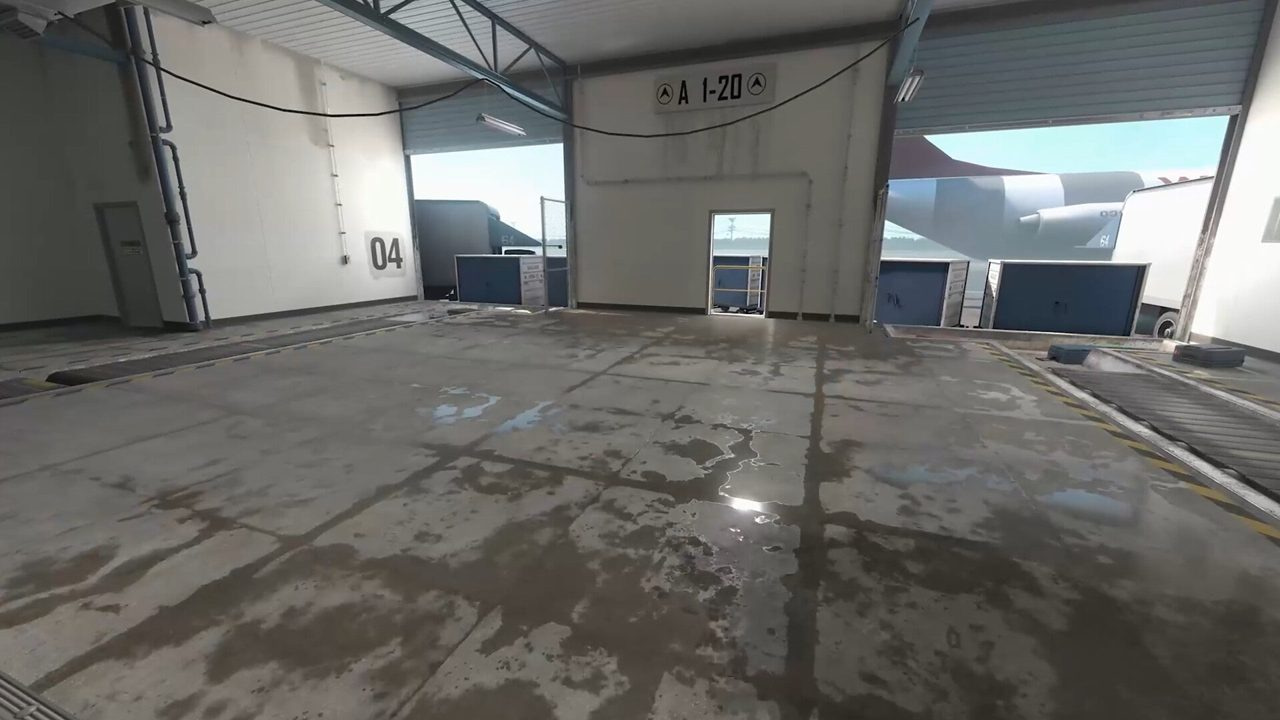
In Counter-Strike 2, you often hear the round before you see it. A reload behind Mirage connector, a scope on Dust2 long, or one extra footstep on Nuke squeaky tells you whether to swing, hold, or rotate — if your audio chain is not fighting itself.
This guide walks through HRTF, EQ profiles, footstep frequency awareness, and VOIP balance so positional cues stay sharp over long ranked sessions. Lock competitive video settings first; audio tuning sits on top of a stable FPS baseline, not instead of it.
Pair what you hear with clear team communication. Sound gives you info — comms turn that info into coordinated trades instead of solo hero peeks.
Quick answer: competitive CS2 audio baseline
- Enable HRTF in CS2; test for at least five full matches before deciding.
- Use stereo headphones — skip virtual 7.1 unless your DAC requires it.
- Music volume 0%; keep effects high enough to hear shift-walk steps.
- Flat or slight mid-boost EQ — heavy bass masks footstep frequencies.
- Balance VOIP so callouts are clear without drowning game audio.
- Disable Windows spatial sound and loudness equalization if they muddy direction.
Key takeaways
- HRTF improves left-right and elevation cues for most players — ear shape still varies, so A/B test personally.
- Footstep clarity comes from EQ balance, not max volume — clipping destroys subtle shift-walk cues.
- Mid-range frequencies carry surface material info — metal on Nuke sounds different from carpet on Mirage.
- VOIP that is too loud makes you miss reload and scope sounds mid-round.
- Vertical maps punish audio sloppiness — shift-walk discipline matters as much as slider settings.
- Calibrate monitor gamma and contrast separately; display tuning does not fix bad headphones, but both affect how you read the round.
Table of contents
- Key takeaways
- HRTF: directional audio in CS2
- EQ profiles that preserve positional cues
- Footstep frequencies and surface cues
- Team comms and VOIP balance
- In-game audio slider reference
- Windows, drivers, and headphone hardware
- Map-specific listening priorities
- Common audio mistakes
- Frequently asked questions
- Conclusion
HRTF: directional audio in CS2
Head-Related Transfer Function (HRTF) processing simulates how sound arrives at each ear based on direction and height. In Counter-Strike 2, enabling HRTF in Settings → Audio gives most players sharper left-right separation and better vertical localization — critical on Nuke and multi-level Mirage angles.
HRTF is not magic. Some players feel footsteps sound thinner or slightly farther away at first. Run five to ten competitive or Premier matches before switching back — your brain adapts quickly, but one deathmatch round is not enough data.
| Setting | Recommended value | Why |
|---|---|---|
| HRTF | Enabled | Better directional and elevation cues |
| Audio output | Headphones / stereo | Avoid fake surround stacking |
| Master volume | Comfortable max — no clipping | Preserves quiet shift-walk steps |
| Music volume | 0% | Eliminates round-end and MVP distraction |
| VO volume | Low or off in ranked | Voice lines rarely help tactical decisions |
EQ profiles that preserve positional cues
Counter-Strike footstep localization lives mostly in mid frequencies. Bass-heavy EQ profiles — common on consumer gaming headsets — make explosions feel cinematic but smear the subtle differences between running, walking, and shift-walking on different surfaces.
Start flat. If your headset software offers game presets, pick the most neutral option or a slight mid emphasis. Avoid 'bass boost' and 'FPS' presets that crank low end without you noticing.
- Disable loudness equalization in Windows sound properties — it compresses dynamic range.
- If using a DAC or amp EQ, change one band at a time and test in a private server.
- Same EQ on crosshair color tests maps — Mirage sand and Nuke metal should both stay readable aurally.
| EQ profile | Character | Competitive verdict |
|---|---|---|
| Flat / reference | Neutral mids and highs | Best default for footstep clarity |
| Slight mid boost (2–4 kHz) | Highlights steps and reloads | Good if headset is muddy |
| Bass boost | Heavy low end | Avoid — masks step timing |
| V-shaped (bass + treble) | Punchy but scooped mids | Poor for directional CS2 audio |
| Headset 'FPS' preset | Varies by brand | Test against flat; often too bass-heavy |
Footstep frequencies and surface cues
CS2 footstep audio varies by surface material, movement speed, and distance. Running on metal grates (Nuke yard, Vertigo) broadcasts louder and higher in the frequency spectrum than shift-walking on Mirage carpet. Learning those differences is free map knowledge.
| Sound cue | Frequency character | Tactical info |
|---|---|---|
| Shift-walk steps | Quiet mids, short decay | One player creeping — count carefully |
| Running footsteps | Louder, broader spectrum | Count, direction, surface type |
| Metal / grate surfaces | Bright, sharp transients | Vertical maps — floor identification |
| Ladder / vent climb | Distinct metallic scrape | Rotate timing on Nuke, Vertigo |
| Jump landing | Low thud + surface tail | Aggressive commit or drop play |
| Reload / scope | Mid-high mechanical click | Timing window to swing or trade |
| Bomb plant / defuse | Looping beep pattern | Objective state without line of sight |
Practice counting footsteps during eco rounds when you have time to listen. On Nuke, one player squeaky-walking while two run yard sounds like a full commit — unless your bass EQ is hiding the difference.
Team comms and VOIP balance
Perfect footstep hearing means nothing if you miss a reload cue because a teammate is monologuing economy. VOIP balance is part of audio settings, not a separate social skill.
- Set CS2 VOIP volume so callouts are intelligible at 70–80% of game effects loudness — adjust per teammate if one uses a hot mic.
- Use push-to-talk in ranked; open mic background noise masks shift-walk and utility bounce sounds.
- Windows Communications tab: 'Reduce volume of other sounds by 50%' when using voice — prevents Discord from ducking game audio too aggressively or not enough.
- Call short info ('one B apps, rifle') before long stories — see team communication guide for structured protocols.
- Mute toxic players after one warning — tilt hurts listening focus more than one silent teammate.
In-game audio slider reference
After changing sliders, play one full map in deathmatch on Mirage and one on Nuke. If you cannot tell connector from palace steps, revisit EQ before raising master volume.
| Slider | Competitive setting | Notes |
|---|---|---|
| Master volume | As loud as comfortable without fatigue | Turn down if footsteps clip or distort |
| Game volume / effects | 100% relative to master | Footsteps live here |
| Music volume | 0% | Non-negotiable for ranked focus |
| VO volume | 0% or minimal | Operator voice lines distract mid-round |
| VOIP volume | Balanced with effects | Teammates audible, game cues preserved |
| HRTF | On | Disable only after proper A/B testing |
Windows, drivers, and headphone hardware
The cleanest chain is: stereo headphones → DAC or motherboard output → CS2 HRTF enabled → no extra spatial layers. Gaming headsets with USB virtual surround often add latency and smear cues unless you force stereo in the vendor software.
- Windows Sound → device properties → disable all enhancements (bass boost, virtual surround, loudness equalization).
- Sample rate 48 kHz, 24-bit if available — matches most game audio pipelines.
- Open-back headphones improve soundstage for some players; closed-back is fine if isolation helps you focus.
- Replace ear pads annually — worn pads change seal and bass response, which shifts footstep perception.
- New to ranked? Beginner guide covers fundamentals; audio tuning comes after basic crosshair and sensitivity lock.
Map-specific listening priorities
Vertical sound discipline on Nuke is a team habit: shift-walk squeaky, mute unnecessary jumps, call ladder before visual. Audio settings make those cues audible — movement rules make them useful.
| Map | Critical audio zone | What to listen for |
|---|---|---|
| Mirage | Connector / palace / underpass | Foot count mid, B short steps, A ramp drops |
| Nuke | Squeaky / yard / secret | Vertical metal steps, ladder commits, hut shifts |
| Dust2 | Long / B tunnels | Scope on long, tunnel run vs shift-walk |
| Inferno | Banana / apps | Molly crackle masking steps — listen through utility |
| Ancient | Donut / cave | Cave steps before B split timing |
Common audio mistakes
| Mistake | What you lose | Fix |
|---|---|---|
| Max volume for 'better steps' | Clipping hides shift-walk and reload cues | Lower master; fix EQ instead |
| HRTF off after one match | Never adapt to improved localization | Five-match minimum test |
| Bass boost preset | Footsteps blend into explosions | Flat or slight mid boost |
| Open mic + loud keyboard | Teammates miss game audio too | Push-to-talk; noise gate in Discord |
| Stacked spatial processing | Smear left-right direction | One processor: CS2 HRTF only |
| Music at 20% 'for vibe' | Round-end tracks break focus rhythm | Music 0% in competitive |
| Ignoring surface material | Wrong rotate on Nuke yard vs hut | Drill surface identification in DM |
| No VOIP balance testing | Miss scope sounds during calls | Adjust VOIP relative to effects in aim map |
Frequently asked questions
Does HRTF help in CS2?
Most players report clearer directional and vertical audio with HRTF enabled. Results vary by headphone and ear shape — run a five-match A/B test before disabling.
What is the best EQ for CS2 footsteps?
Flat or slightly mid-forward EQ preserves footstep localization. Avoid bass-heavy presets that mask shift-walk and surface differences.
Should I use virtual 7.1 surround for CS2?
No for most setups. Stereo output with CS2 HRTF enabled beats stacked virtual surround that smears left-right cues.
What volume should CS2 master be at?
As loud as you can play for a full session without fatigue or clipping. If quiet steps distort, lower volume and fix EQ — do not keep raising.
Can teammates hear the same footsteps I do?
Yes — footstep audio is consistent. Differences come from your headphones, EQ, and focus, not hidden client-side buffs.
Does music volume affect competitive performance?
Round-end and MVP music breaks focus rhythm even at low volume. Set music to 0% for ranked and Premier.
How do I hear footsteps better on Nuke?
Enable HRTF, use flat EQ, and practice vertical surface identification. Movement discipline — shift-walking squeaky — matters as much as sliders.
Conclusion
Enable HRTF, flatten your EQ, zero music, balance VOIP, and test for five matches before changing again. Audio is habit plus hardware — the players who rotate correctly on one footstep cue often have boring settings and consistent discipline.
Next: lock competitive settings, calibrate monitor gamma, and run team comms protocols so the info you hear becomes round wins.