Performance17 min read
Best CS2 Settings for Competitive Play
Stable frame times beat peak FPS. Full video, audio, Reflex, resolution, and launch-option defaults for Competitive and Premier — with what to change first on a mid-range PC.
Best CS2 settings, FPS optimization, monitor and audio tuning, recoil control, and low-end PC fixes for stable frame times.
Competitive Counter-Strike 2 rewards stable frame times more than peak FPS. These articles cover settings, hardware tuning, and practice routines that transfer directly to ranked duels.
Start with the competitive settings baseline, then branch into FPS optimization or hardware-specific guides for your PC.
Players chasing consistent frame times on mid-range or budget hardware before grinding Premier.
Crosshair, binds, audio, monitor, and competitive presets.
Optimization, low-end presets, and frame-time fixes.
Recoil, movement, and structured aim training.
Stable frame times beat peak FPS. Full video, audio, Reflex, resolution, and launch-option defaults for Competitive and Premier — with what to change first on a mid-range PC.
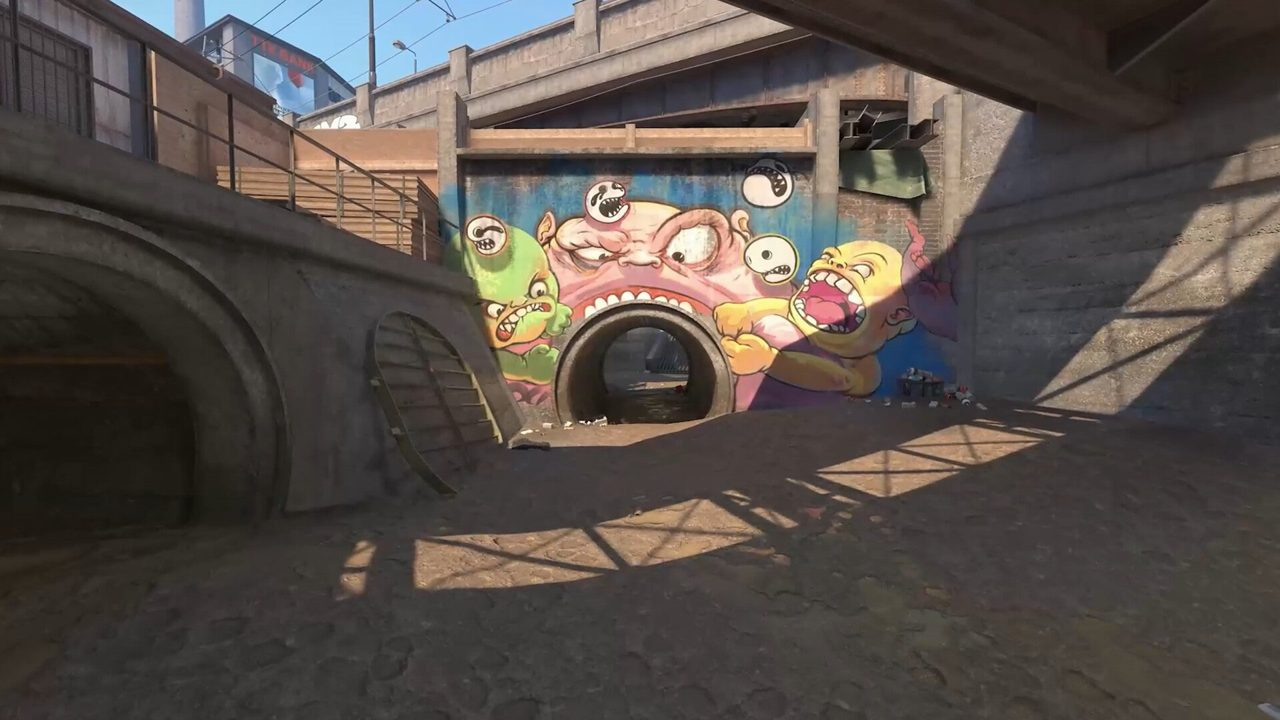
Average FPS lies. This guide targets 1% lows on Mirage and Inferno smokes — in-game priorities, Windows/GPU hygiene, map-specific load, and a testing protocol that actually sticks.
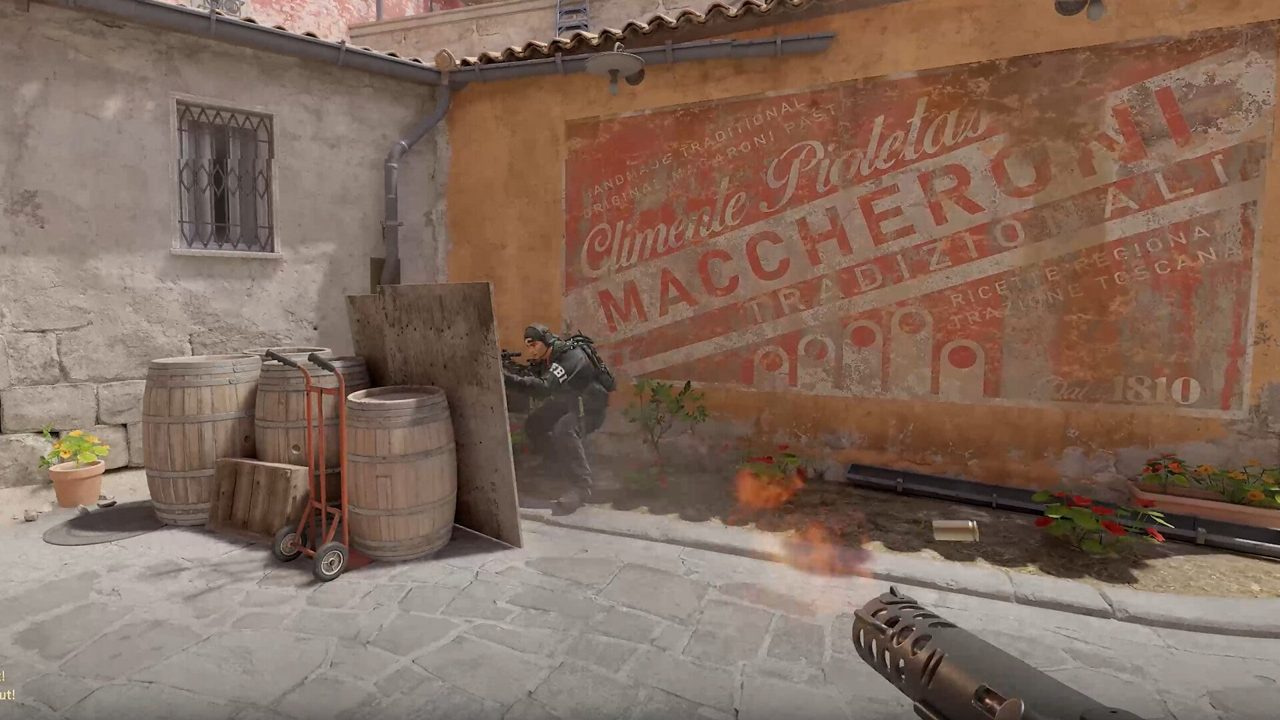
AK and M4 spray patterns, burst-vs-spray ranges, counter-strafe timing, transfer drills, and entry-vs-anchor playstyle rules — built for ranked and Premier rifle duels.

Integrated GPUs, 8 GB RAM, and old laptops can still run CS2 ranked — if you optimize resolution, settings floors, Windows hygiene, and know when the problem is stutter instead of raw FPS.
Stable frame times beat peak FPS. Full video, audio, Reflex, resolution, and launch-option defaults for Competitive and Premier — with what to change first on a mid-range PC.
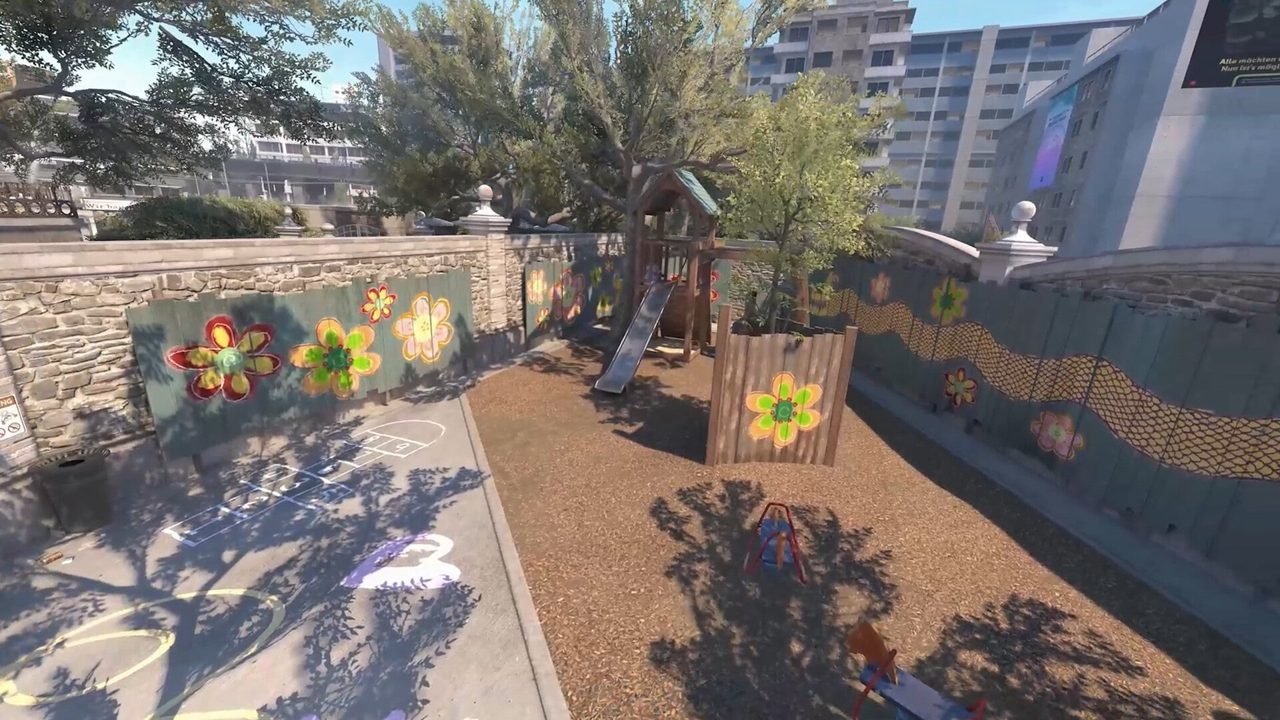
Counter-strafe timing, jiggle and wide peek discipline, bunny hop reality in ranked, silent walk routes, and the movement mistakes that cost Premier duels.
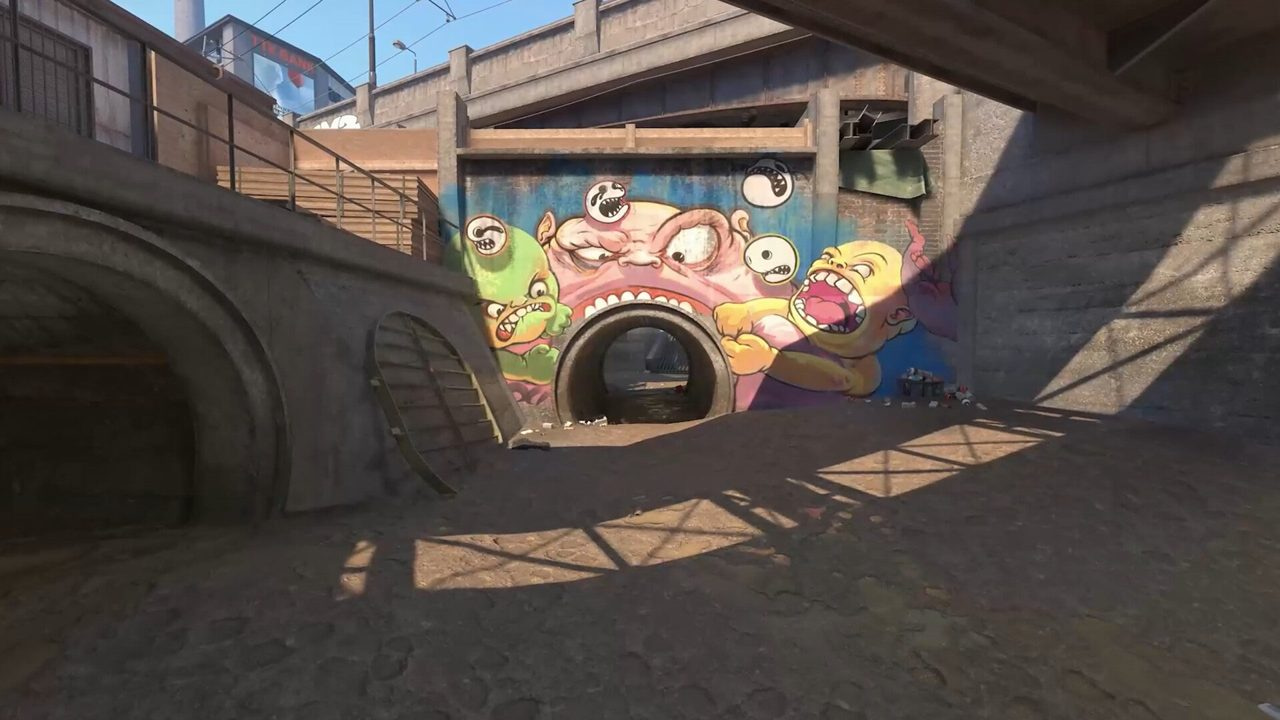
Build a reliable CS2 autoexec: cfg folder path, +exec launch options, jump-throw binds, grenade keys, crosshair save commands, and safe aliases for ranked — without sketchy config downloads.
AK and M4 spray patterns, burst-vs-spray ranges, counter-strafe timing, transfer drills, and entry-vs-anchor playstyle rules — built for ranked and Premier rifle duels.
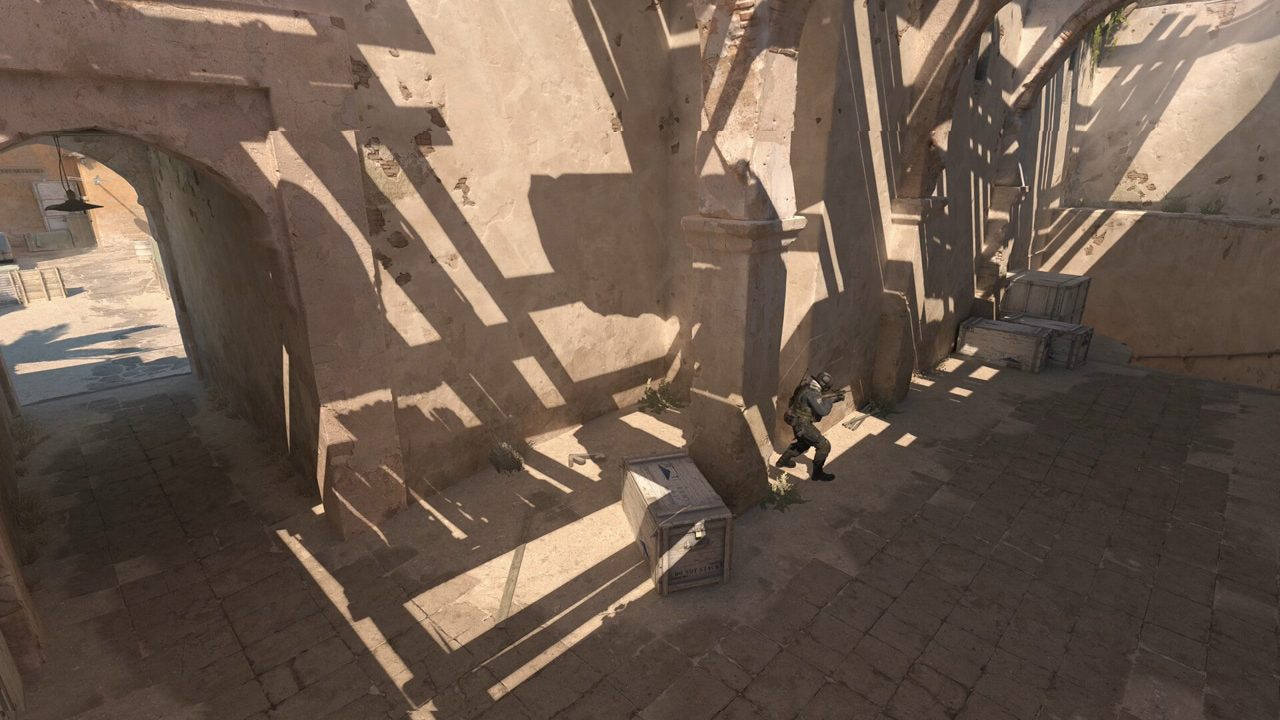
Optimize your monitor for CS2: refresh rate, resolution scaling, gamma calibration, HDR pitfalls, and panel tweaks that do not waste the FPS you already earned.
Integrated GPUs, 8 GB RAM, and old laptops can still run CS2 ranked — if you optimize resolution, settings floors, Windows hygiene, and know when the problem is stutter instead of raw FPS.
Counter-strafe timing, jiggle and wide peek discipline, bunny hop reality in ranked, silent walk routes, and the movement mistakes that cost Premier duels.
Build a reliable CS2 autoexec: cfg folder path, +exec launch options, jump-throw binds, grenade keys, crosshair save commands, and safe aliases for ranked — without sketchy config downloads.
AK and M4 spray patterns, burst-vs-spray ranges, counter-strafe timing, transfer drills, and entry-vs-anchor playstyle rules — built for ranked and Premier rifle duels.
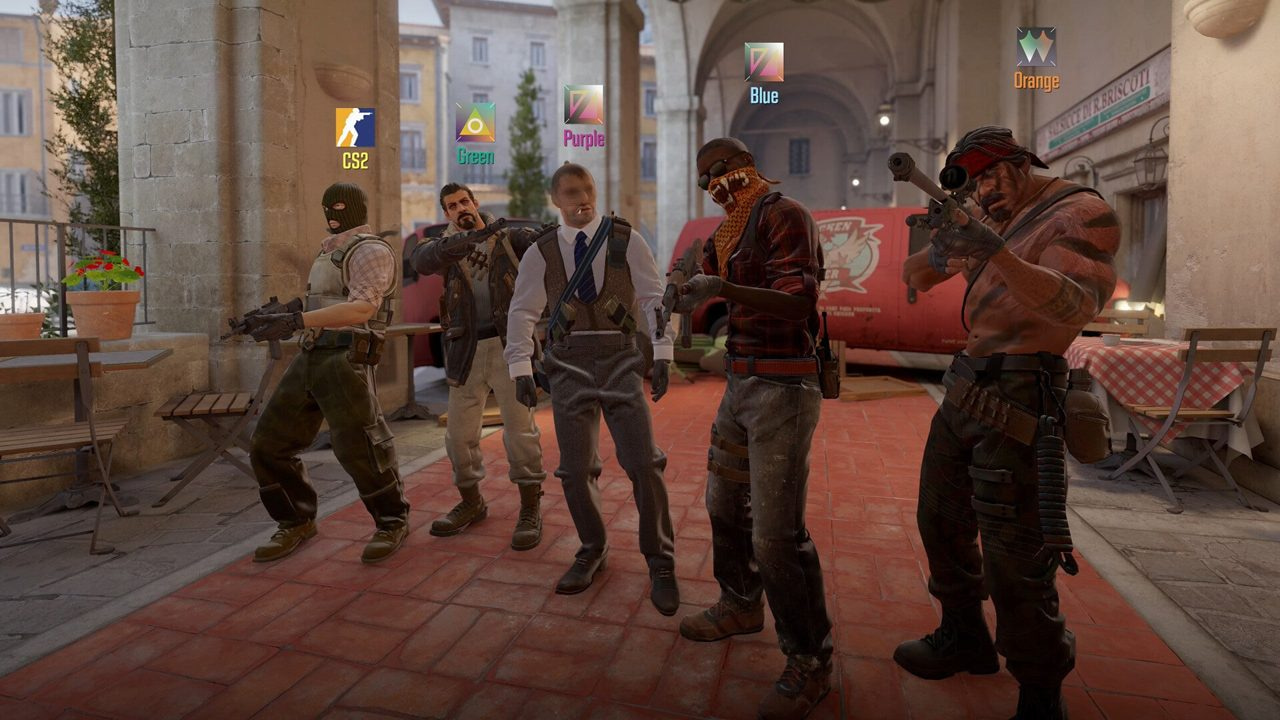
Four aim layers, a 30-minute daily warmup, deathmatch vs workshop tradeoffs, tracking vs flick drills, common mistakes, and a structured 30-day plan for ranked improvement.
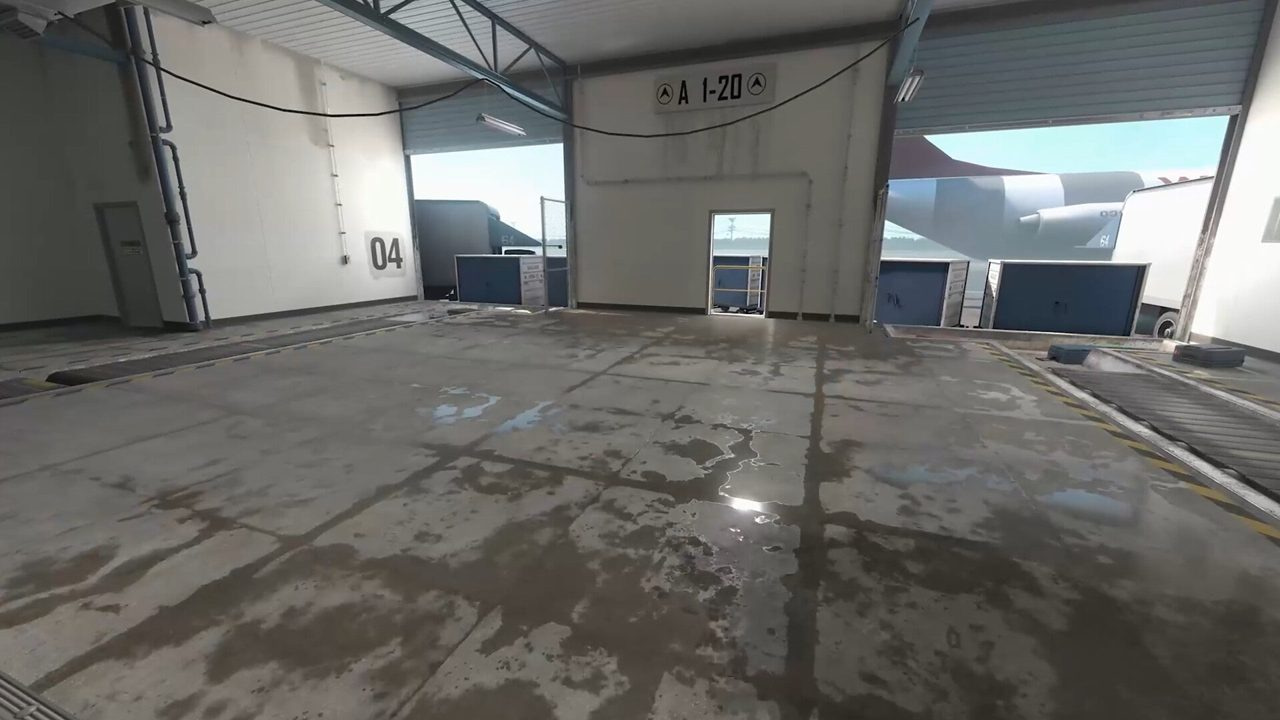
Tune CS2 audio for directional footsteps, utility cues, and team comms balance. HRTF setup, EQ profiles, frequency awareness, and the mistakes that cost free info.
Average FPS lies. This guide targets 1% lows on Mirage and Inferno smokes — in-game priorities, Windows/GPU hygiene, map-specific load, and a testing protocol that actually sticks.
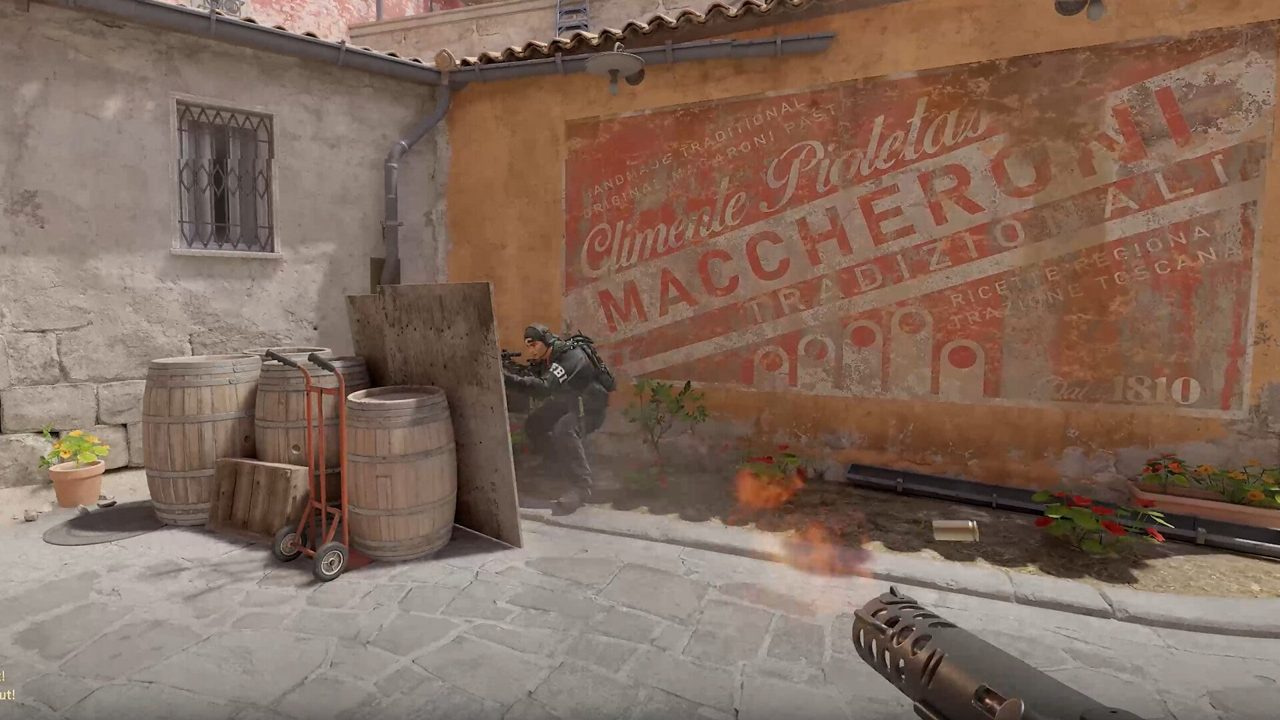
Pick a crosshair you stop thinking about: static vs dynamic, color for Mirage/Inferno, share codes, console commands, and a one-week test protocol with sens locked.
Stable frame times beat peak FPS. Full video, audio, Reflex, resolution, and launch-option defaults for Competitive and Premier — with what to change first on a mid-range PC.