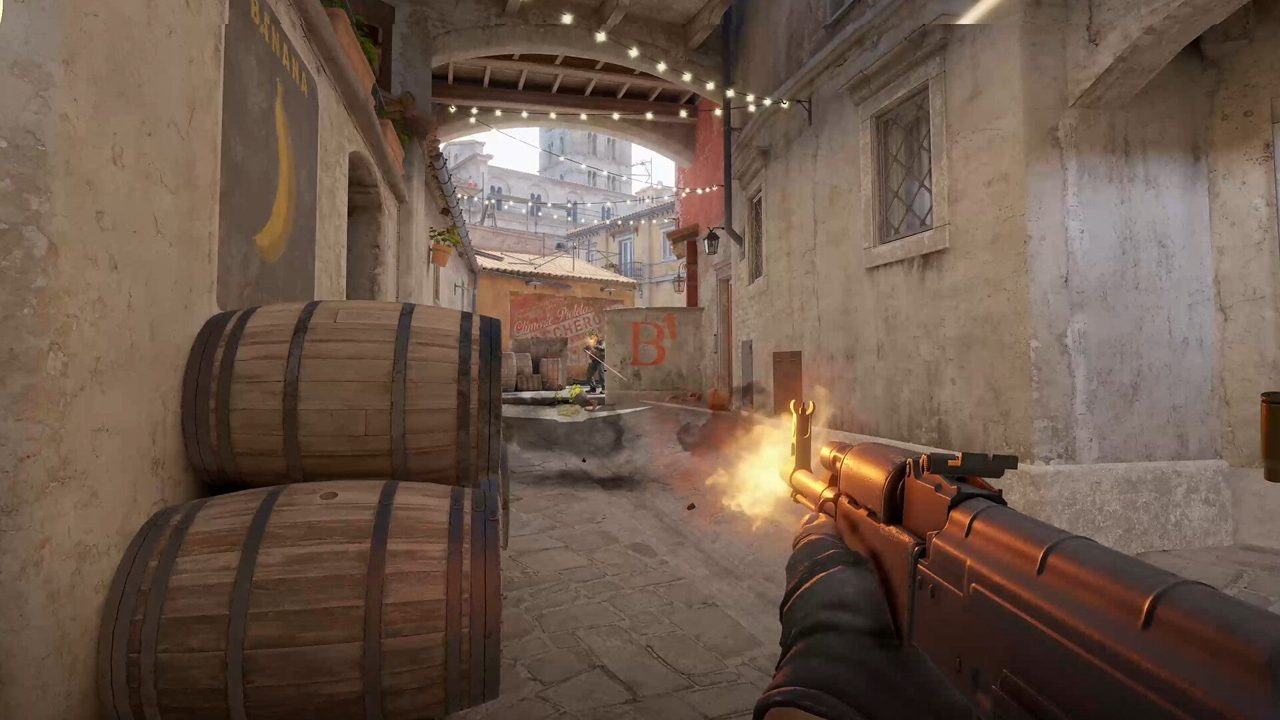
Triggerbot modules fire when your crosshair crosses a valid target — bridging manual reaction time and full aim assistance. Used well, they punish disciplined pre-aim on tight angles. Used poorly, they spray through smokes, snap on wrong hitboxes, and create firing patterns that look nothing like your usual rifle rhythm.
This guide covers delay ranges, hold vs toggle activation, weapon filters, and the movement and crosshair habits that make trigger assistance invisible in ranked. Think configuration clarity and gamesense pairing — not a shortcut around recoil control or peek discipline.
Quick answer: triggerbot setup
- Use hold-to-activate on a thumb or side mouse key — not always-on.
- Set humanized delay (roughly 40–120 ms randomized) — instant fire reads robotic on demos.
- Limit to rifles and pistols; exclude knives, grenades, and Zeus.
- Pair with head-level pre-aim from crosshair and recoil guide.
- Practice offline ten minutes per config change before ranked — build the key into muscle memory.
Key takeaways
- Triggerbot converts placement into damage — it does not fix wide swings or bad economy.
- Delay tuning matters more than minimum delay; small random ranges mimic human reaction.
- Hold activation prevents accidental shots through smokes and during utility throws.
- Weapon filters stop knife switches and nade throws from firing your rifle.
- Hybrid play — manual on entries, trigger on anchor holds — looks most natural.
- Jiggle peek discipline from movement guide still applies.
Table of contents
- Key takeaways
- What triggerbot does — and does not do
- Delay and humanization ranges
- Activation modes: hold vs toggle
- Weapon filters and target rules
- Crosshair placement dependency
- Pairing with movement and peek discipline
- Smoke, flash, and edge-case misfires
- Practice workflow before ranked
- Hybrid manual + trigger habits
- Frequently asked questions
- Conclusion
What triggerbot does — and does not do
A triggerbot watches your crosshair against valid enemy hitboxes (or configurable zones) and sends a fire input when overlap occurs — optionally gated by delay, key, and weapon class. It does not move your crosshair. It does not read the round economy. It does not replace the decision to peek, jiggle, or save.
In Counter-Strike 2 subtick timing, registration still favors players who stop moving before firing. Triggerbot helps the click moment on a still crosshair; it cannot counter-strafe for you. Treat it as a timing assistant on angles you already hold correctly.
| Capability | Triggerbot handles | You still handle |
|---|---|---|
| Fire on target overlap | Yes, with delay/key gates | Crosshair placement |
| Wide swing entries | Poor fit — manual click | Movement and pre-aim |
| Spray transfer | Partial — per settings | Recoil control |
| AWP quick scope | Situational — high delay | Scope timing and position |
| Pistol spam | Yes with pistol filter | Distance and armor reads |
Delay and humanization ranges
Zero-delay triggers fire the same frame crosshair touches hitbox — fast, but obvious in killfeed rhythm and demo review. Humanized delay adds milliseconds (often randomized between a min and max) so shots land closer to natural reaction time while still beating manual clicks on pixel-wide holds.
Start around 60–90 ms average for rifle anchors. Entry players who wide swing may prefer manual fire entirely — delay that helps holds hurts flick entries. Tune down only after a week of stable ranked play, not after one good game.
- 40–70 ms — aggressive hold angles; still risky on review if constant.
- 70–110 ms — balanced anchor and lurk holds; most natural starting band.
- 110–150 ms — conservative; closer to manual but less advantage on tight pixels.
- Randomize ±15–25 ms within band — flat delay looks mechanical over 20 rounds.
Activation modes: hold vs toggle
Hold-to-activate means trigger logic runs only while you press a dedicated key — side mouse button, thumb key, or keyboard modifier. Toggle stays on until pressed again. Always-on removes the gate entirely.
Hold is the default recommendation for ranked: you trigger on intentional holds, not when throwing smokes, jumping, or inspecting angles you are not ready to shoot. Toggle suits lab testing or specific anchor positions if you reliably disable between rounds.
| Mode | Best for | Main risk |
|---|---|---|
| Hold key | Rifles, site anchors, lurk holds | Uncomfortable bind slows activation |
| Toggle | Long static holds on one map | Forgotten toggle = smoke misfire |
| Always on | Not recommended ranked | Utility throws and wall spam |
Bind hold to a finger that does not interfere with WASD or jump — side mouse 4/5 is common. Document the bind in autoexec alongside crosshair commands from our config and binds guide.
Weapon filters and target rules
Weapon filters restrict trigger logic to equipped gun classes — rifles, pistols, SMGs, snipers separately. Without filters, switching to knife to run cat or pulling a flash can produce accidental rifle fire if the module ignores weapon state.
Target rules may include team checks, flash immunity, smoke behavior, and hitbox zones. Enable team check always. Configure smoke behavior conservatively — firing through smoke because a hitbox flickered reads as blatant even if the module allows it.
- Rifles + pistols ON — primary ranked loadout.
- Knife, grenades, C4, Zeus OFF — prevents throw and plant misfires.
- AWP: separate profile with higher delay or manual-only if you scope flick.
- Friendly fire check ON — team damage incidents still lose rounds.
Crosshair placement dependency
Triggerbot value scales linearly with pre-aim quality. Head-level crosshair on common angles means the module fires while you are still — the kill looks like fast reaction. Crosshair at body or floor means body shots or misses even when the module triggers.
Lock crosshair style and sensitivity for two weeks before judging trigger settings. Static crosshair, readable color on Mirage and Nuke, and consistent competitive video settings matter more than delay tweaks.
Pairing with movement and peek discipline
Jiggle peeking exposes information without committing — trigger on jiggle only works if you stop moving before the shot registers. Counter-strafe, pause, let overlap fire, then reposition. Wide swinging with hold key held down fires mid-movement and wastes the subtick advantage.
Study movement guide rhythms: jiggle cadence, shoulder peek bait, counter-strafe after every stop. Triggerbot amplifies good stops; it punishes lazy movement with visible body-shot sprays.
- Jiggle angle — release hold key until you commit.
- Counter-strafe to full stop — press hold — micro-adjust crosshair.
- Wide entry — manual click; trigger off or key released.
- Post-plant hold — hold key on one pre-aimed pixel, audio for backup.
Smoke, flash, and edge-case misfires
Smokes create false confidence — hitboxes may flicker at edges; always-on trigger fires into smoke for no trade value. Hold keys let you disable during smoke crossings. Flash yourself and hold key down? You shoot at ghosts. Release hold when flashed unless module supports flash immunity.
Molotov self-damage moments, jump-throws, and ladder climbs all produce crosshair motion that should not coincide with rifle fire. Build the habit: release hold when leaving a hold angle for utility or rotate.
| Situation | Recommended habit | Why |
|---|---|---|
| Crossing smoke | Hold key released | Avoid spam without vision |
| Self-flashed | Release hold | Prevent random fire |
| Throwing nade | Knife out + filter off | Weapon filter safety net |
| Save round rotate | Toggle off or release | No accidental contact fire |
Practice workflow before ranked
Every config change gets ten minutes on an empty server or deathmatch before ranked. Test hold bind comfort, delay feel on a static bot angle, and weapon filter when switching to knife. Note misfires — smoke edge, teammate jump, flash — and adjust gates before they cost MMR.
Pair trigger practice with audio settings: hear the contact, stop, hold key, let fire. Audio-first players look more natural because firing follows information, not only crosshair overlap.
- Empty server: hold one angle 50 reps — only fire when crosshair still.
- DM: hold key on passive holds only; manual on aggressive peeks.
- One full ranked game — review deaths for placement vs delay issues.
- Adjust one variable per session — delay OR bind OR filter, not all three.
Hybrid manual + trigger habits
Most natural ranked players hybrid: manual click on entries, map control peeks, and multi-target swings; trigger hold on anchor pixels, off-angle lurks, and post-plant lines. Forcing trigger on every duel homogenizes timing — demos and spectators notice flat rhythm.
Call out your own role: entry rifler leans manual; anchor and lurker lean hold. IGLs may disable during exec calls to avoid accidental fire while line-up smokes. Match habit to team communication structure so utility and firing never fight each other.
When hybrid feels wrong, default to manual for one week and log whether deaths were click speed or crosshair placement. Triggerbot is optional precision on top of fundamentals — not a replacement for them.
Frequently asked questions
Should triggerbot replace manual clicking?
No — hybrid is standard. Manual on wide swings and entries; hold-trigger on tight anchor angles. Full always-on trigger removes intentional control and increases smoke misfires.
What delay should I start with?
Try 70–110 ms with ±20 ms randomization for rifle holds. Adjust after ten ranked games based on feel, not one ace. Lower delay only when crosshair placement is already consistent from crosshair and recoil work.
Hold key or toggle for ranked?
Hold key in almost all cases. Toggle is for testing or one fixed anchor spot — forgotten toggle states lose rounds fast. Always-on is not recommended for competitive.
Does triggerbot work with AWP?
Some configs allow sniper class with higher delay. Many AWP players prefer manual fire for scope timing. If you AWP, use a separate weapon profile or disable trigger on snipers entirely.
Will triggerbot fire through smokes?
Depends on module settings. Even if allowed, firing into smoke without trade value looks suspicious and wastes ammo. Release hold key when crossing or fighting in smoke.
How does triggerbot interact with recoil control?
Trigger handles the initial shot timing; recoil control handles spray follow-up. On tap-fire holds, trigger alone is enough. On spray commits, ensure module settings match your RCS profile or use manual for full sprays.
Can I use triggerbot on pistol round?
Yes with pistol filter enabled — useful on deagle and USP holds. Still prioritize placement and audio for close-range pistols; trigger on Glock run-and-gun looks erratic.
Conclusion
Triggerbot rewards crosshair placement, not lazy peeks. Configure hold activation, humanized delay, strict weapon filters, and hybrid manual habits before ranked. Pair timing assistance with movement, crosshair, and competitive settings so firing rhythm matches the rest of your game.
Next reads: ESP fundamentals for information layering, config and binds guide for autoexec keys, recoil control for spray follow-up, and best settings for stable FPS and visibility.